Open your company credit card statement. Or your Notion doc where you listed all the tools. Or that spreadsheet someone started in 2023 and never finished.
How many subscriptions are on there? How many of them have “AI” somewhere in the name or the pricing page? How many of them does anyone on your team actually use, every week, for something that matters?
I went through this exercise recently. The results were uncomfortable. And based on every conversation I’ve had with other small B2B teams, I’m not alone.
The AI feature gold rush — and who’s really paying for it
Here is what happened to the SaaS market between 2023 and 2026, told as briefly as possible.
ChatGPT launched and became the fastest-growing consumer product in history. Investors immediately started asking every SaaS founder “what’s your AI strategy?”.
At the same time, the same founders watched their growth slow as the easy money from the 2020–2022 era dried up. The obvious answer: ship AI features, raise prices, and call it a product upgrade.

By 2026, 75% of SaaS companies have shipped AI features, and the global SaaS market hit $317 billion in 2025. (Source: Colorlib) AI-native SaaS apps are growing 3x faster than traditional ones. AI spending inside SaaS stacks surged 75.2% year-over-year. (Source: Zylo 2025 SaaS Management Index)
It sounds exciting. Until you look at what’s actually being used.
The waste hiding in your stack
Here are the numbers that don’t make it into the press releases.
Companies are now wasting an average of $21 million annually on unused SaaS licenses — a 14.2% increase year-over-year. (Source: Zylo) Even more bluntly: 53% of SaaS applications go underutilized or unused, and only 34% of subscriptions are actively used. (Source: Ramp)
Gartner estimates that 30% of total SaaS spend is “toxic” — money going to unused licences and features nobody asked for. And 75% of IT teams don’t have clear visibility into what SaaS apps are even being used or when subscriptions renew.
For smaller teams, this isn’t a $21 million problem — it’s proportionally smaller but often more painful. When you’re a 10-person B2B team spending $400/month per person on tools, a third of that quietly disappearing into features no one uses is a real number.

Investors want innovation, and AI checks that box in bold letters. The irony? Some of these AI features barely function or offer minimal added value, but they still dazzle investors during pitch meetings.
The pressure to “AI-ify” every product likely comes from a mix of investor expectations and market dynamics. If everyone else is doing it, companies fear being left behind. But what does that mean for us, the end-users? More often than not, these AI features are locked behind expensive premium plans—ones we rarely get to try during the free trials. It’s like a carrot dangled just out of reach.
The specific lie of the AI upsell
Let me describe a pattern I’ve seen too many times.
You’re using a project management tool — let’s say Asana, ClickUp, Monday, pick one — and it works fine. Then comes the “AI tier” announcement. For an extra €8–15 per user per month, you get AI task prioritisation, AI-generated summaries, AI meeting notes integration. It sounds useful. Someone on your team says “we should upgrade.” You upgrade.
Three months later: nobody uses the AI features. The AI summaries are generic. The “prioritisation” is just a reordering you could do yourself in 30 seconds. The meeting notes integration requires another integration that requires another tool that requires another subscription.
This is not a hypothetical. It’s the dominant pattern in B2B SaaS right now.
86% of cloud companies had already incorporated or planned to incorporate AI-driven features by end of 2023 — a figure that jumped to 90% for SaaS developer companies specifically. (Source: Vena) But adoption of those features by end-users is a very different story. Only 10% of the US workforce uses AI tools daily as of Q3 2025, according to Gallup, despite organisations deploying them broadly. (Source: Gallup)
The gap between “we have AI features” and “our team actually uses AI features” is where your budget is going.des conversational AI services with a generative AI feature to support AI trainers (which is a rather good thing if you want my opinion). But others feel like tech theater, there to impress rather than serve.
How to audit your stack — practically, this week
This is the part that matters. Not the theory — the action.
The goal of a stack audit is simple: for every tool you’re paying for, answer three questions honestly.
- Is this being used actively? Not “in theory” or “sometimes.” Who used it last week, for what, for how long?
- Could we do this with something we already have? ChatGPT or Claude replace a surprising number of single-purpose AI writing tools. Google Sheets replaces a surprising number of “analytics dashboards.”
- Is the AI add-on tier actually doing anything we need? If you’re on a paid AI tier, name one specific workflow it has improved in the last 30 days. Just one.
If you can’t answer these questions easily, you probably don’t have visibility into your own stack. And if you don’t have visibility, you’re almost certainly wasting money.
The audit in practice
Step 1: List everything. Pull your credit card statement, ask every team member what they use, check your Google Workspace or Microsoft 365 SSO for connected apps. You’ll find tools you forgot existed.
Step 2: Mark active vs inactive. Active means: used at least once in the past 2 weeks for a real task. Anything else is inactive until proven otherwise.
Step 3: Spot the doubles. Most teams have 2–3 tools doing the same job. Email marketing and a newsletter tool. A project management app and a task manager. A writing assistant and an AI add-on inside a writing assistant. Organisations average 7.6 duplicate SaaS subscriptions, according to Gartner. (Source: License Logic citing Gartner) Pick one, cancel the rest.
Step 4: Challenge every AI tier specifically. For each tool where you’re paying extra for AI: turn it off for 30 days and see if anyone notices. If nobody files a complaint, you have your answer.
The category-by-category breakdown
Let me be specific about where the AI upsell pattern is worst, in the categories most B2B marketing teams use.
Email marketing tools
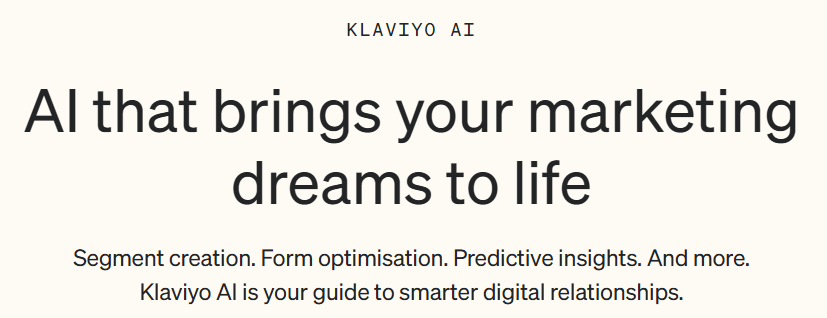
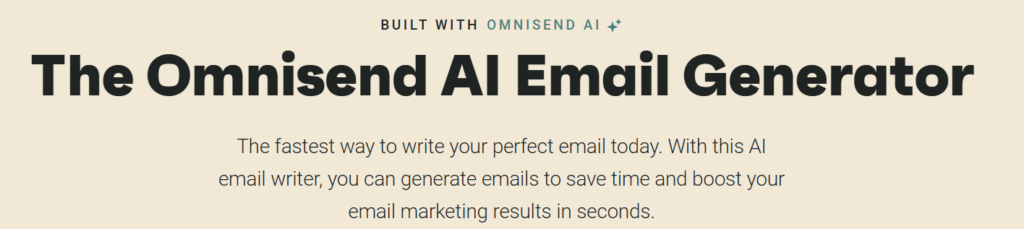
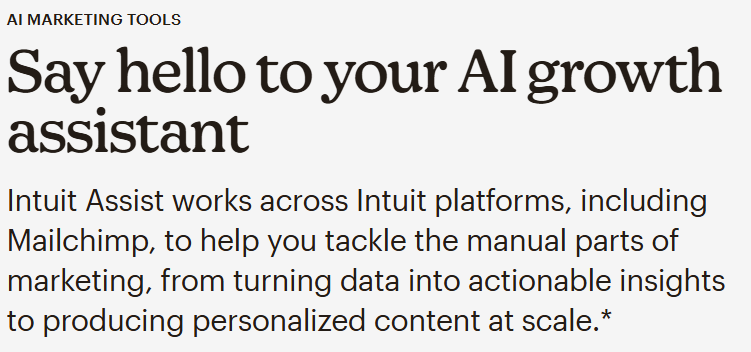
Klaviyo, Mailchimp, Omnisend, Brevo, ActiveCampaign — they all now have AI tiers. AI-assisted subject lines, AI send-time optimisation, AI content generation.
Honest verdict: AI subject line suggestions are marginally useful for getting unstuck, but they don’t outperform a human who knows their audience. Send-time optimisation data you can get from your existing analytics. AI content generation inside an email tool is a worse version of what Claude or ChatGPT does for free. Unless you’re sending at volume (50k+ per month) and genuinely A/B testing at scale, the AI tier adds little.
Free alternative: Write your own subject lines. Use Claude for a second opinion. Use your current analytics to find your best send times.
Project management tools
Asana AI, ClickUp AI, Monday AI — all of them now have AI-assisted task creation, summaries, and prioritisation.
Honest verdict: These features are used primarily in demos and onboarding. In practice, most teams manage tasks just fine without AI summarising them. The “AI prioritisation” feature assumes AI understands your context better than you do. It usually doesn’t.
Free alternative: Stay on the basic tier. Use the free version of Notion AI (generous enough for most small teams) if you genuinely need AI-assisted writing inside your project docs.
CRM tools
HubSpot, Salesforce, Pipedrive all now surface AI insights: deal health scores, next-step recommendations, conversation intelligence.
Honest verdict: For a team under 10 people with under 200 active deals, the AI features in a CRM are almost entirely unnecessary. You know your pipeline. You talk to your prospects. The “AI deal health score” is less accurate than your own gut feeling built from actual context.
Free alternative: HubSpot’s free CRM is legitimately good for small teams and handles the basics without AI add-ons. Use it.
SEO and content tools
Semrush, Ahrefs, Surfer SEO — all now have AI writing features, AI content briefs, AI optimisation scores built into premium tiers.
Honest verdict: The underlying keyword and backlink data is genuinely useful. The AI writing features are not. They generate generic, unattributed content that conflicts directly with everything that now matters for GEO optimization and quality SEO. You’re paying extra for a feature that actively makes your content worse if you use it uncritically.
Free alternative: Use Google Search Console (free) for your own site data. Use the free tier of any keyword tool for occasional research. Write your own content from real experience.
The tools that are actually worth paying for in 2026
To be clear: I’m not saying cancel everything. I’m saying be deliberate.
There are three categories where the spend is genuinely justified, even on a zero-budget-growth philosophy:
One serious AI assistant — just one. Claude Pro, ChatGPT Plus, or equivalent. Pick one. Use it every day. This is the highest-ROI tool investment available to a small B2B team right now — a genuine thinking partner, research tool, writing assistant, and workflow accelerator. It costs €20–25/month. Cancel three AI add-ons inside other tools and pay for this instead.
Automation infrastructure. Make.com (free up to 1,000 ops/month), n8n (open source, self-hostable), or Zapier (free tier). One well-built automation saves more time than ten “AI-assisted” features inside individual tools.
Your core stack — but only the basics. One CRM. One project tool. One email tool. The base tier of each. Master these before you add anything else.
Everything else is optional until proven necessary.
The SaaS AI wave created a genuine problem for small B2B teams: more complexity, higher costs, and the constant pressure to feel like you’re falling behind if you’re not using every new feature.
You’re not falling behind. You’re being sold to.
The teams doing the most with the least in 2026 are not the ones with the most sophisticated stacks. They’re the ones who know exactly what each tool does, why they’re paying for it, and what they’d replace it with if the price doubled tomorrow.
Run the audit. Cancel what you can’t justify. Put the money into the one or two things that actually compound over time.
That’s the whole strategy.
Comments